NI Software Portfolio
The NI software portfolio is built to improve engineering productivity and help you tackle your greatest engineering challenges.
Programming Environments
LabVIEW
A programming environment for creating test and measurement applications with an intuitive graphical programming language, extensive libraries of IP, the ability to connect to any hardware, and a large developer community.
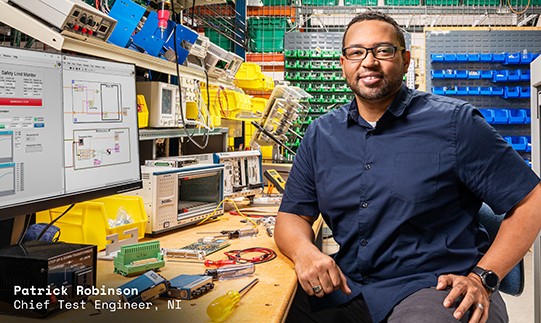
LabWindows™/CVI
An ANSI C software development environment with a comprehensive set of programming tools for creating test and measurement applications.
Measurement Studio
A collection of .NET APIs, tools, and Microsoft Visual Studio extension for creating test and measurement applications with C# and Visual Basic.
Multi-IDE Bundle
A bundle that includes LabVIEW, LabWindows/CVI, and Measurement Studio for programming in a variety of languages.
G Web Development Software
A software development environment that helps you create web-based user interfaces for test and measurement applications without the need for web development skills.
Interested in Using Python with NI Hardware and Software? Learn More
LabVIEW+ Suite
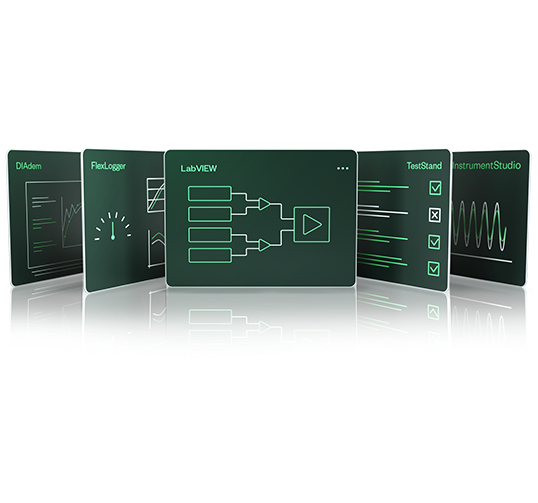
The LabVIEW+ Suite is a collection of LabVIEW, DIAdem, TestStand, and more NI software that saves engineers time with purpose-built software for measurement, analysis, and test.
Application Software
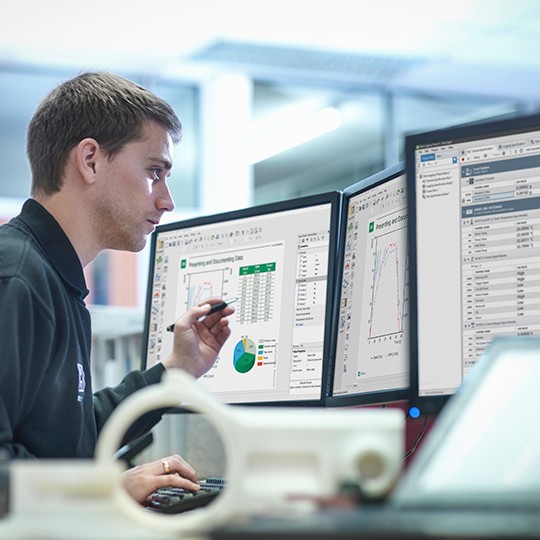
Application software helps engineers solve challenging problems by focusing on their specific needs with point-and-click simplicity—no programming required.
Shop by Application Area
Software Add-Ons
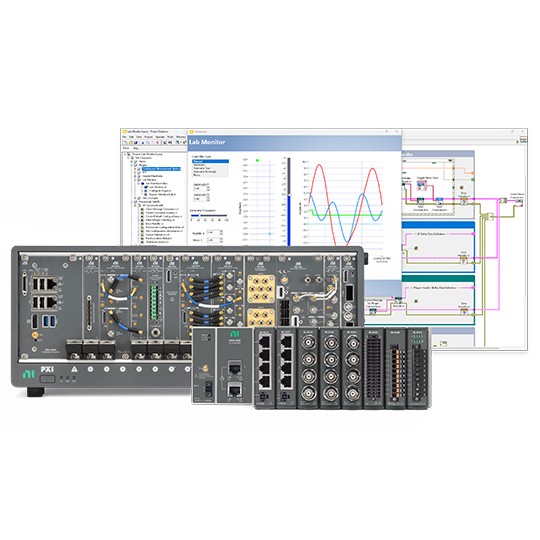
Software add-ons include modules, toolkits, applications, and more developed by NI and partners that extend your capabilities with industry-specific libraries or specialized deployment technologies.
LabVIEW FPGA Module
Enables development of FPGA VIs on a host computer, compilation, and implementation of the code on NI reconfigurable I/O (RIO) hardware.
LabVIEW Real-Time Module
Enables creation and debugging of reliable, deterministic applications that run on stand-alone embedded hardware targets.
Vision Development Module
Provides hundreds of functions for developing and deploying machine vision applications.
Xlsx Toolkit
Provides advanced capabilities when creating and editing Microsoft Excel files in LabVIEW.
The mark LabWindows is used under a license from Microsoft Corporation. Windows is a registered trademark of Microsoft Corporation in the United States and other countries.